We wanted to bring developers across different departments together and give them a platform to realize their own fresh ideas. It’s been demanded for a very long time by our developers (I think all of them wanted to showcase their skills). Finally, they got an opportunity when CCTech CEO Sandip Jadhav announced the first ever CCTech’s hackathon on 29th Jan 2018. He announced to kickstart the hackathon on 2nd Feb 3.00 PM and asked all developers to submit the final work before 3.00 PM on 9th Feb. (Considering the complexity of few ideas, the submission deadline was extended till 12th Feb 5.00 PM).
Just to intensify the competition, Sandip announced the prize money of 32,000 Indian Rupees for winning team and 8,000 Indian Rupees for runner-up team. He set forth few main criteria for deciding the winner, 1) The idea, 2) The implementation 3) User value and 4) Economic and market impact.
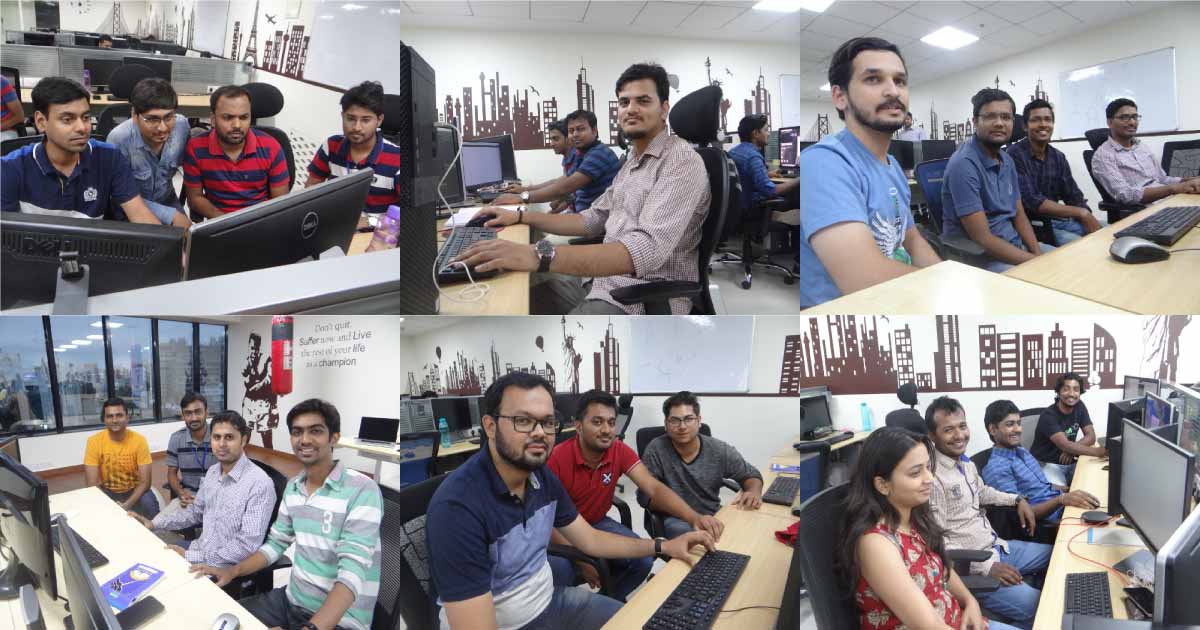
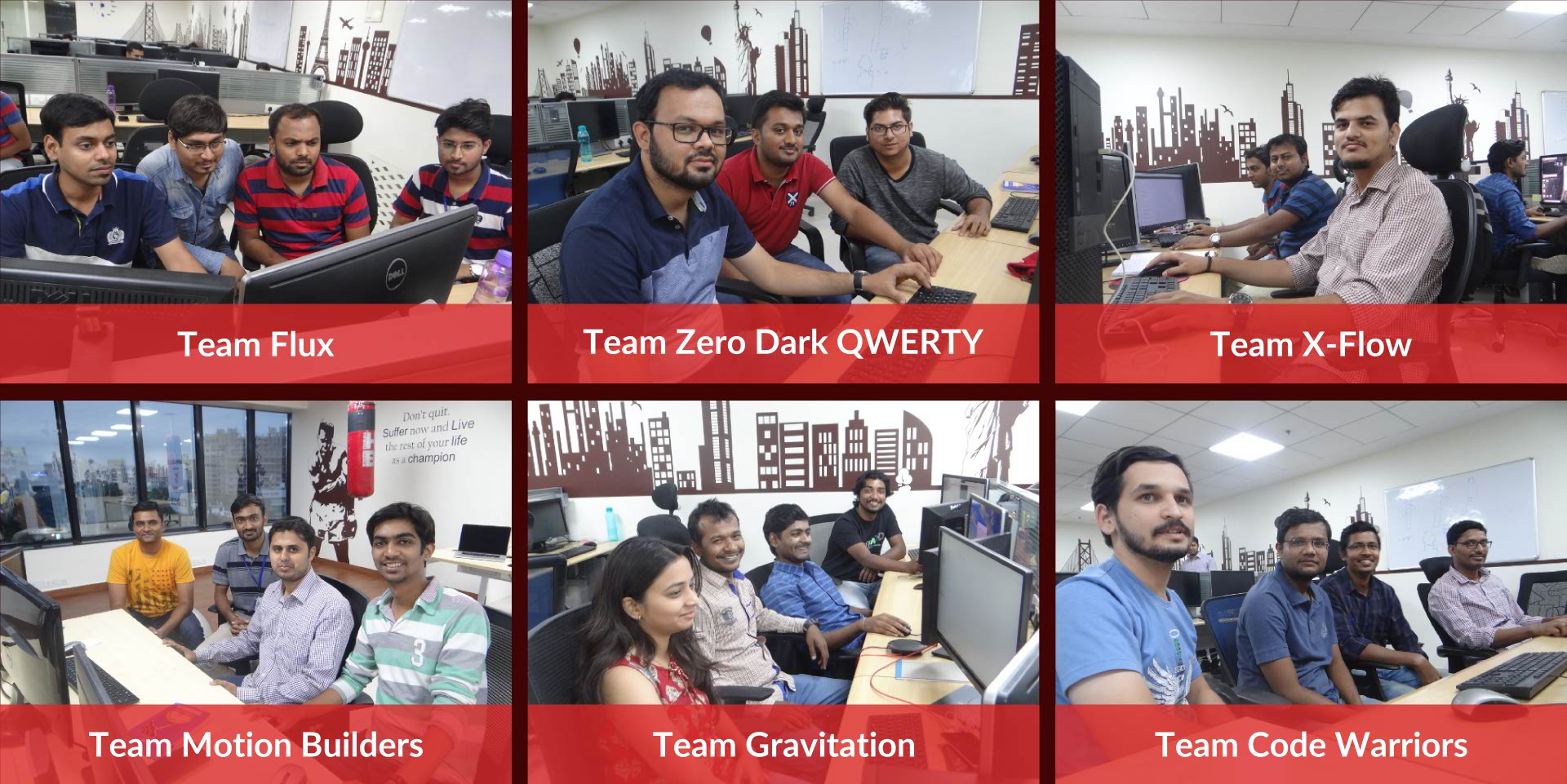
Over the next three days since its announcement, we spent time on dividing all the developers in the number of teams, deciding the mentors and judging jury. All the developers were divided into six different teams. Finally, the hackathon was started on 2nd Feb with six participating teams 1) Team Code Warrior 2) Team Flux 3) Team Gravitation 4) Team Motion Builders 5) Team X-Flow and 6) Team Zero Dark QWERTY (I was excited to see the names, I was sure that something interesting is going to come).
The main idea of the hackathon was to do a cocktail of simulationHub Web Services, Autodesk Forge Platform , Amazon Web Services and, General Electric Predix Platform to create new apps and features. Over next couple days, each team spent time on conceptualizing the idea, discussed those ideas with mentors and finally decided to work on “The Selected Idea”. Following are the ideas they worked on for next 9 days.
- Iso-surface CFD post-processing feature for simulationHub web-based post-processor
- Custom and intuitive cut section post-processing feature for simulationHub web-based post-processor
- Bring CFD results in augmented reality environment using simulationHub and Autodesk Forge Viewer
- Manual and automated camera tweening for visualization of simulationHub CFD results in Autodesk Forge Viewer
- simulationHub Voice Assistant – A Voice User Interface for working with simulationHub
- Integration of pedestrian comfort conditions and Google Maps
Following is the brief of all the ideas and final output.
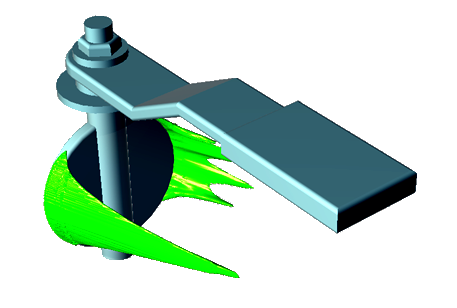
Iso-surface CFD post-processing for simulationHub
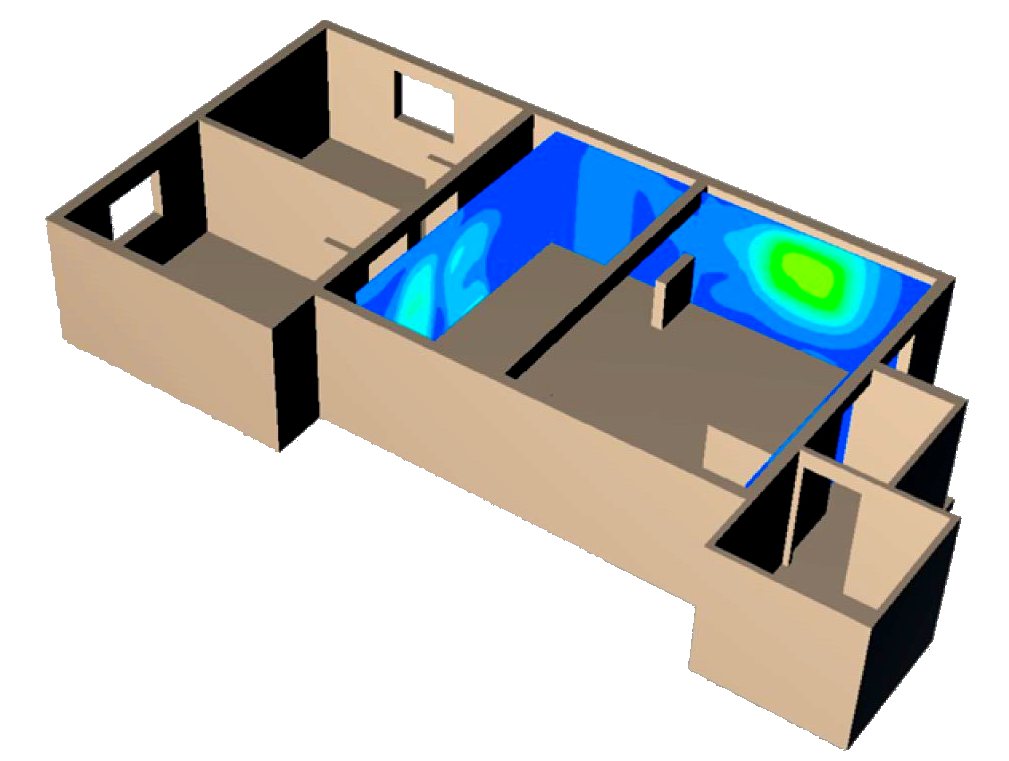
Custom and intuitive cut section post-processing feature for simulationHub
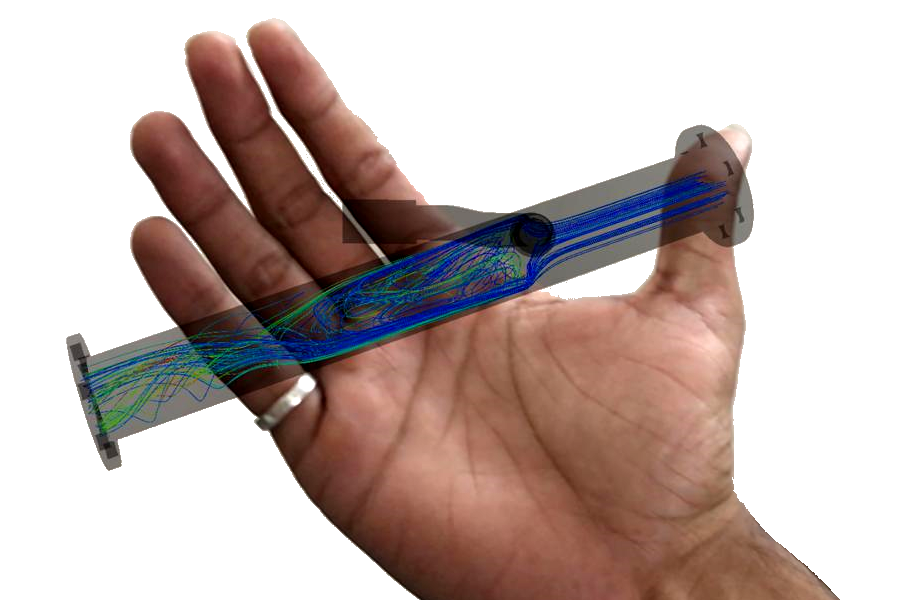
Bring CFD results in the augmented reality environment
Team Flux : Charuhas Naigaonkar, Saurabh Varma, Santosh Kawtikwar, Hrishikesh Thakur
Augmented Reality (AR) is a technology that layers computer-generated enhancements on top of an existing reality to make it more meaningful through the ability to interact with it. AR technology is quickly coming into the mainstream. It is now used in many industries to overlay the products in the real environment to get a feel for how it will fit/ look/perform. Mapping / overlaying the computational analysis results on real objects is a research topic and point of discussion in CAE industry.
Team Flux has taken one step closer to achieve this dream. The team developed a web application that allows users to view simulation results through a smartphone camera directly in their real-world environment. Users can position the results in their environment with a single touch and, walk around it to inspect the visualization in detail, thus providing a true Augmented Reality experience. The app is powered by three.ar.js and WebARonARKit and uses Autodesk Forge Viewer.
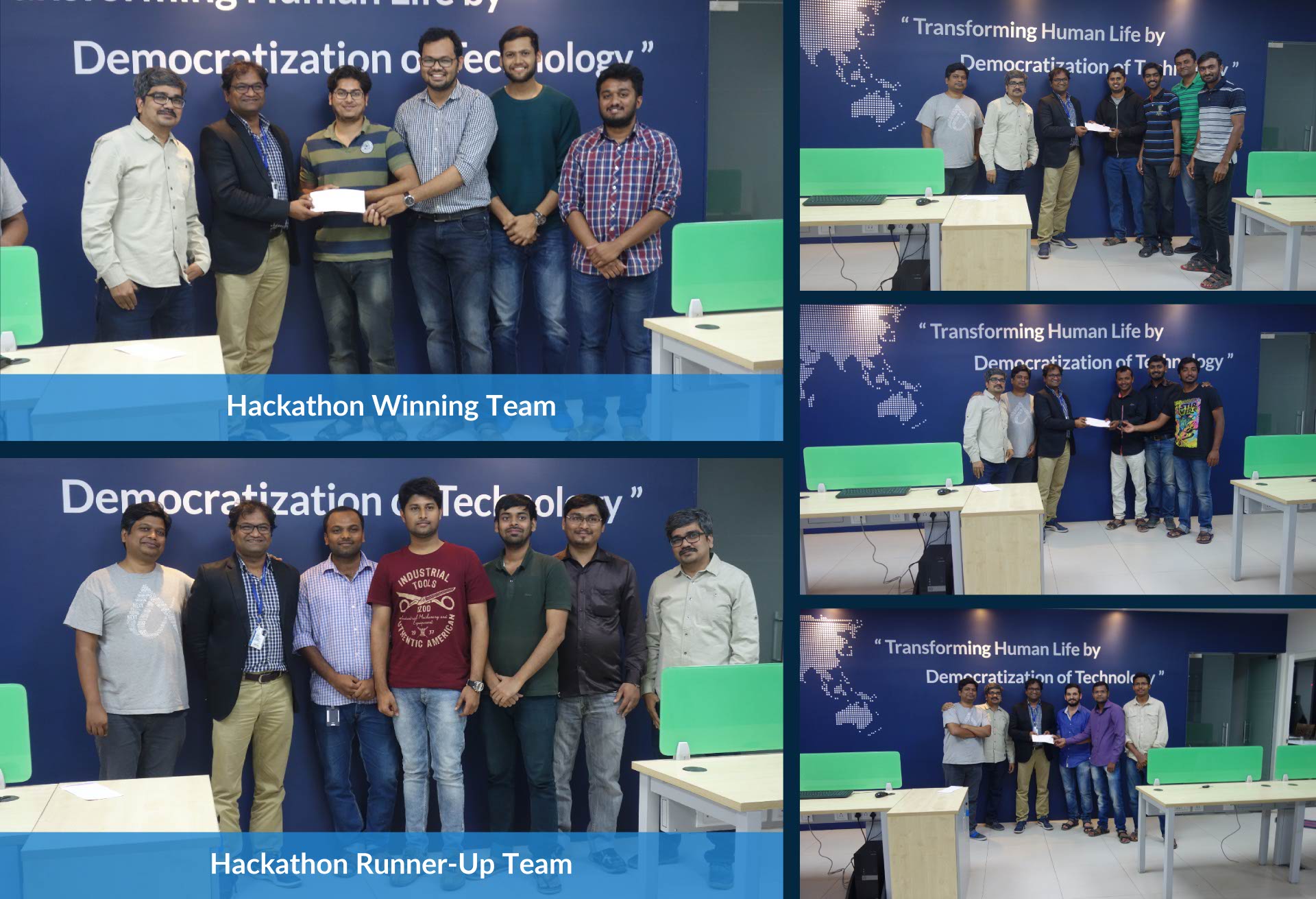
The jury selected this idea for runner-up award for innovation, implementation and user value.
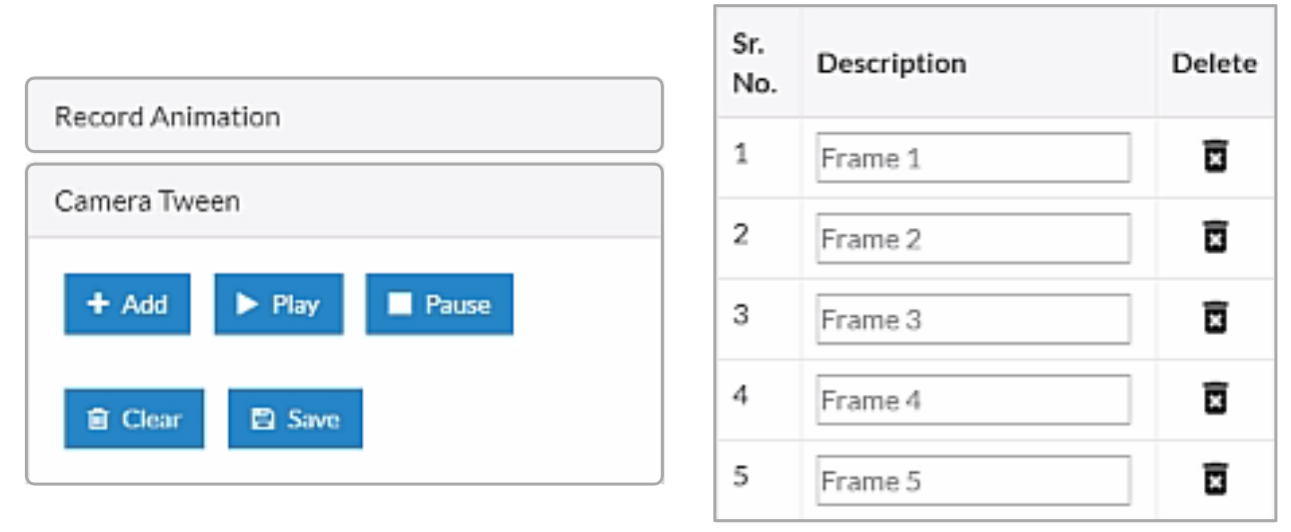
Manual and automated camera tweening for visualization of simulationHub CFD results
Team Motion Builders : Ashish Shete, Sanket Dange, Atharva Patwardhan, Swapnil Kakde
Camera tweening is a method which helps to create awesome product walkthroughs with predefined start and end position of a camera. A tween (from in-between) is a concept that allows you to change the values of the properties of an object in a smooth way. You need tell it which properties you want to change, which final values should they have when the tween finishes running, and how long should this take, and the tweening engine will take care of finding the intermediate values from the starting to the ending point. Over last few months, the simulationHub team was pondering upon the camera tweening and its use in creating the walkthrough for CFD results.
Team Motion Builders took this as a challenge in the hackathon to create a proof of concept (POC) app using tween.js, a JavaScript tweening engine for easy animations, incorporating optimized Robert Penner’s equations. They created a framework where a user can add/delete different camera positions as a frame and create a walkthrough using these frames. The team also created an automatic walkthrough using “move along a path-line”. With this, user sees the walkthrough as if they are riding on the flow line.
This feature was rated highest in terms of innovative way of implementation and user value.
Manual and automated camera tweening for visualization of simulationHub CFD results
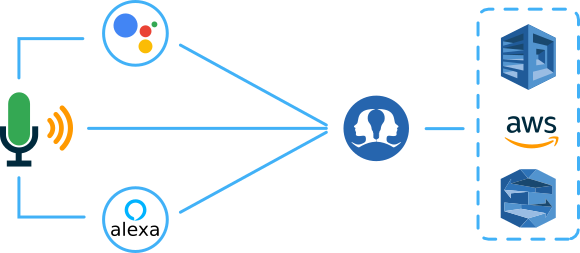
simulationHub Voice Assistant – A Voice User Interface for simulationHub

Integration of pedestrian comfort conditions and Google Maps
Team Zero Dark QWERTY : Sagar Gupta, Chaitanya Rane, Pratik Patil, Prakhar Nigam
Assessing the impact of building induced aerodynamics effects, on pedestrian comfort and safety, at a large scale is of great interest to local governments, architects, urban planners, designers, and developers. simulationHub has developed an easy-to-use Pedestrian Comfort Analysis App. Team Zero Dark QWERTY created an innovative app using comfort conditions predicted by simulationHub app and Google map.
This app is selected as winner idea for innovation, implementation and user impact.
Closure and prize distribution