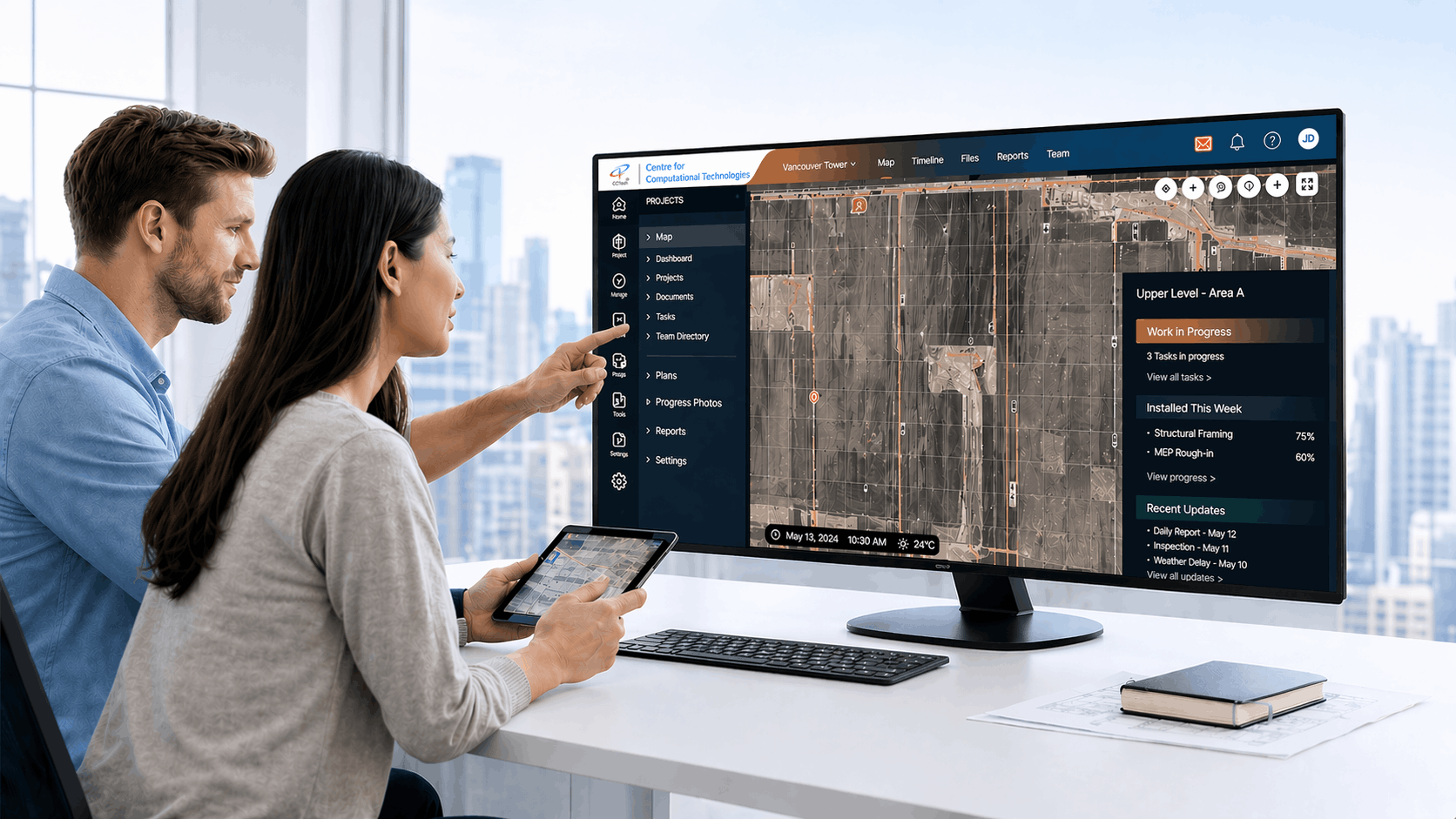
GIS & BIM Digital Twin Integration

Integrating Automation-First GIS and BIM Digital Twin

CCTech helps asset-heavy organizations convert engineering design files into a scalable, GIS and BIM-ready 3D digital twin, with an automation pipeline built for repeatability, speed, and accuracy. The solution integrates with existing ArcGIS-based platforms and web viewers, and can be tailored for multiple asset types and industries.

CCTech automation-first GIS and BIM digital twin platform integrating engineering design data with ArcGIS-based 3D visualization

The Challenge: Disconnected Engineering Data

Disconnected Design Files

Engineering layouts often live in disconnected design files (DWG, spreadsheets) and are difficult to operationalize.

Slow, Error-Prone Conversion

Manual conversion is slow, error-prone, and hard to repeat consistently across sites and projects.

Heavy 3D Scenes

Large 3D scenes can be heavy to render on the web without performance-oriented engineering for digital twin visualization.

Our solution offers a general-purpose, automation-driven integration pipeline that ingests design inputs, generates structured BIM assets, produces GIS-compatible outputs, and integrates them into your GIS platform for search, navigation, and visualization.

What We Deliver

An end-to-end, reusable pipeline that turns engineering design files into a searchable, GIS-ready BIM digital twin.

Automation pipeline icon

Automation Pipeline (CLI)

BIM-based asset generation icon

BIM-Based Asset Generation (Autodesk Revit)

GIS and 3D content creation icon

GIS + 3D Content Creation (ArcGIS-Compatible)

Platform integration and web viewer icon

Platform Integration + Web Viewer

Unified KPIs and predictive intelligence icon

Unified KPIs & Predictive Intelligence

How It Works

From raw design files to a live, searchable digital twin. One repeatable pipeline.

1

Design Inputs

DWG layouts and spreadsheet metadata.

2

Automation Pipeline (CLI)

Standardization, validation, structured data preparation.

3

Asset Generation (Revit)

Parametric 3D assets with LOD control.

4

GIS + 3D Generation

Geo-tagging, scene layers, GIS-ready attribute datasets.

5

Platform Integration

Upload, mapping, search/filter enablement.

6

Web Viewer Enhancements

Performance upgrades for large scenes.

Where Autodesk Technologies Fit

Autodesk AutoCAD (DWG as Design Source)

DWG is treated as a primary design input. An automation layer cleans and standardizes drawing and layout data before downstream conversion and mapping.

Autodesk Revit (Parametric Asset Generation)

Revit is used to generate parametric assets/families and control LOD to ensure the 3D content is optimized for GIS and BIM visualization.

Autodesk Platform Services

If required, the solution can be extended using Autodesk Platform Services (APS) for cloud workflows such as data exchange, automation services, or integrations with other enterprise systems. APS usage depends on your target architecture and platform requirements.

Why CCTech

Automation-First Mindset

Reusable pipelines, not one-off conversions, built to run again on the next site or project.

GIS and BIM Integration Depth

Structured metadata, geo-tagging, and web-ready 3D, engineered for real ArcGIS and BIM platforms, not generic exports.

Autodesk Expertise

AutoCAD and Revit-driven workflows, applied with deep, hands-on Autodesk platform experience.

Ready to Build Your GIS and BIM Digital Twin?

Talk to us about converting your engineering design files into a scalable, automation-first GIS and BIM digital twin.

Make An Enquiry